Performing maintenance
Spark makes it easy to maintain machines remotely or locally.
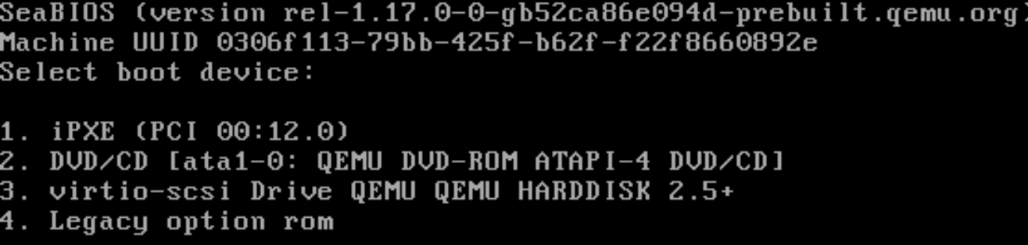
Select Network Boot
Temporarily or permanently configure your machine to boot from the network.
This may also be referred to as “PXE boot”, “iPXE boot”, or “network boot”.
Start Spark
Turn on your machine and Spark will appear.
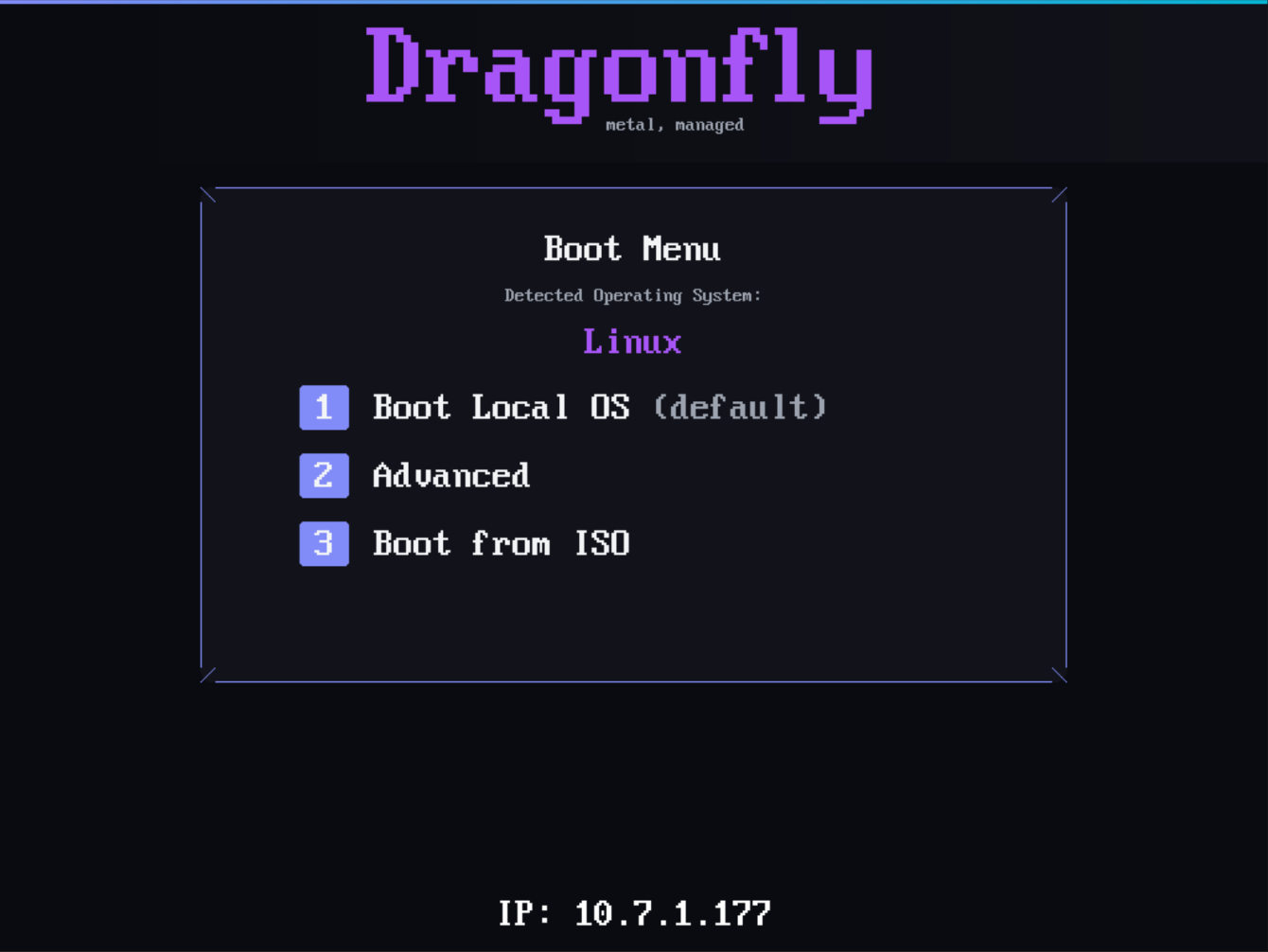
Press 2 to enter the Advanced menu.
Choose an action
Select an action to perform on the machine.
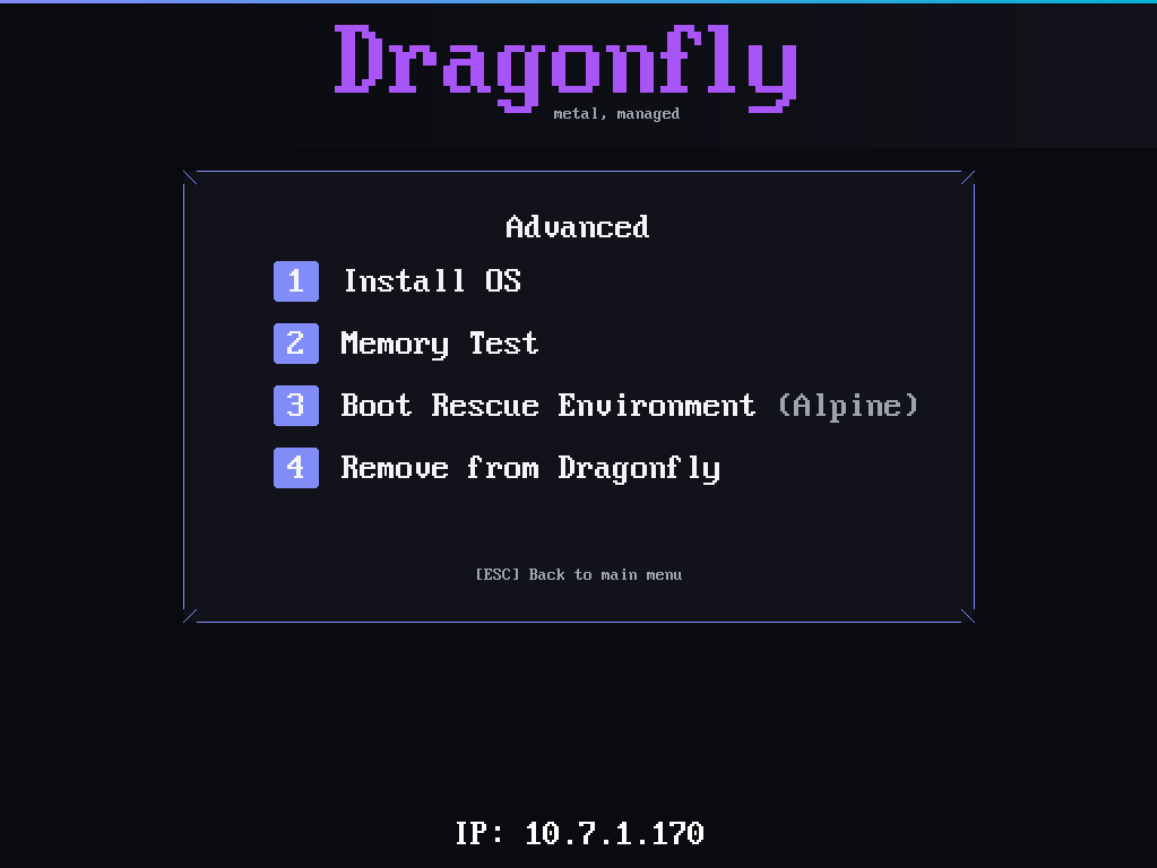
The following options are available at this time:
- Install OS - Install an operating system from an available template
- Memory Test - Launch memtest86+ to test your machine’s memory
- Boot Rescue Environment (Alpine) - Reboot into an Alpine Linux root shell/rescue environment
- Remove from Dragonfly - Prevents a machine from being managed by Dragonfly
Future improvements to Dragonfly will allow you to trigger these actions remotely.