Deploying with Dragonfly
Dragonfly makes it easy to deploy an operating system of your choice.
Navigate to the Machines page
Navigate to your Dragonfly dashboard and go to the Machines page.
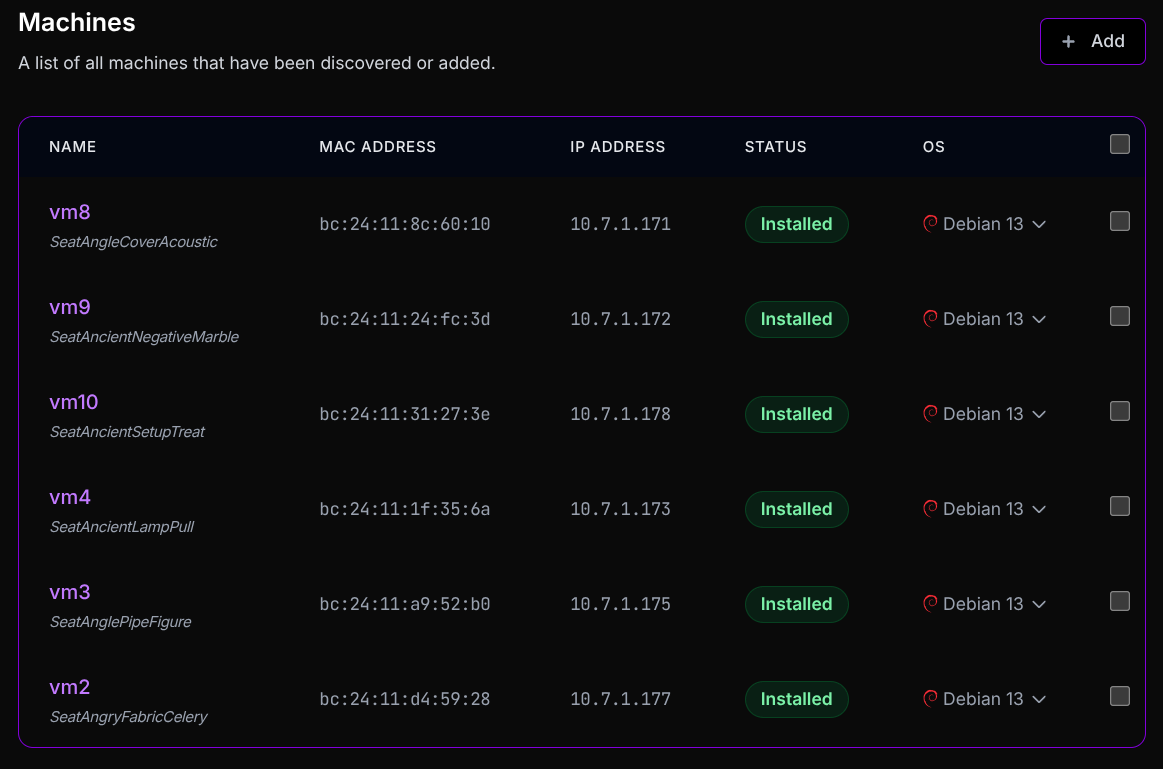
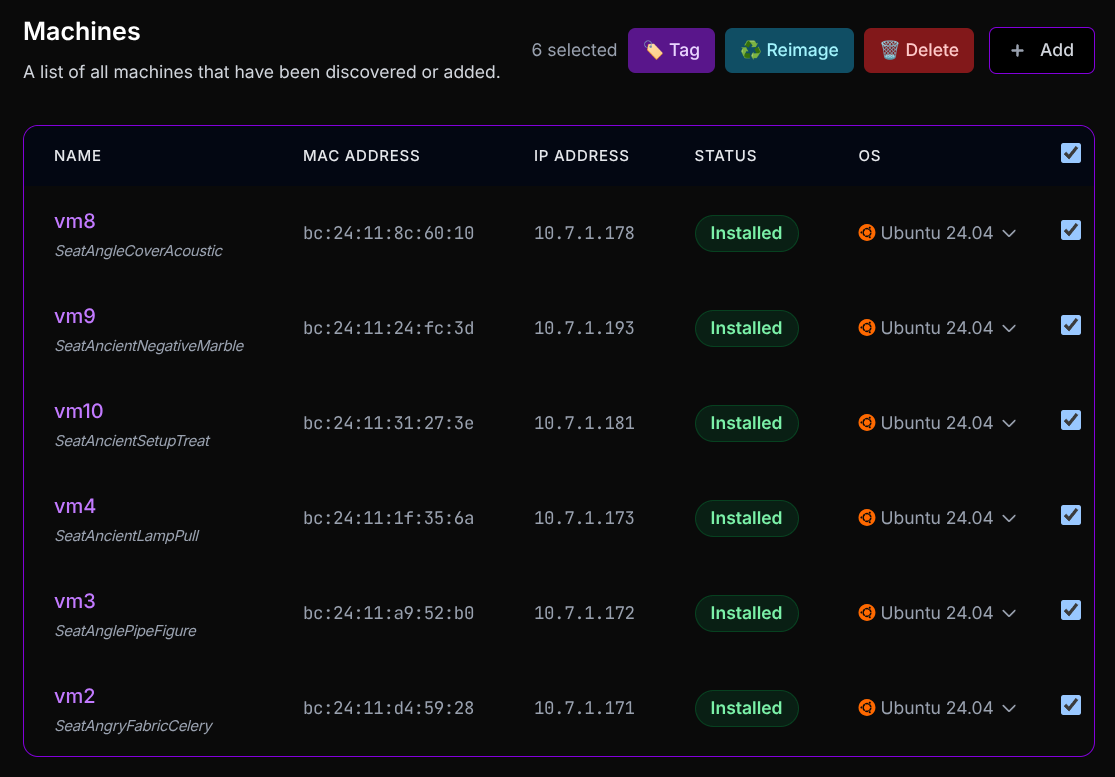
Select machines to deploy to
Select the machine or machines you want to deploy an operating system to.
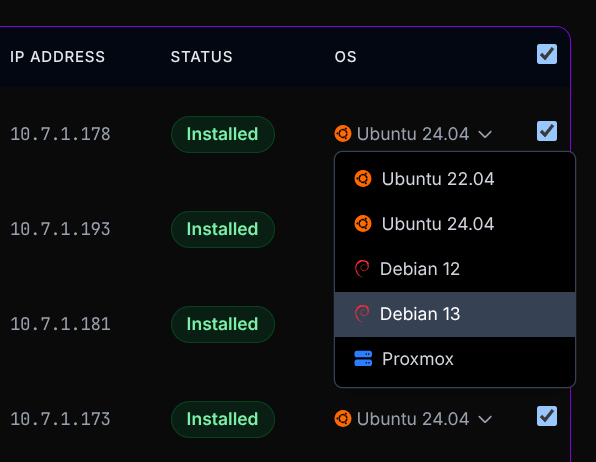
Choose an operating system
Choose the operating system you want to deploy from the list of available options.
Select Reimage to trigger deployment
Select “Reimage” from the actions in the top left.

This will trigger the deployment process for the selected machine(s), replacing the current operating system with the one you selected.
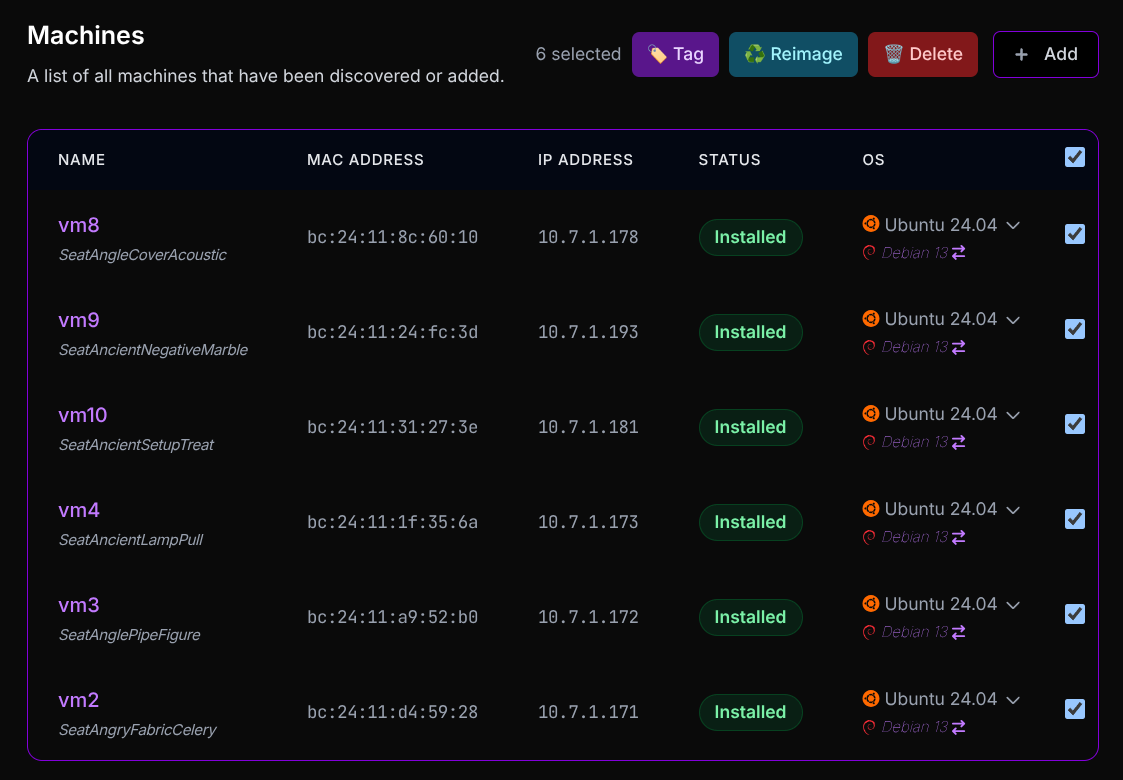
You will see the target operating system appear underneath the current operating system, and an icon indicating the pending change.
Reboot into Mage to apply changes
Reboot each of the machines to complete the deployment process and install your new Debian 13 (or other chosen) operating system.
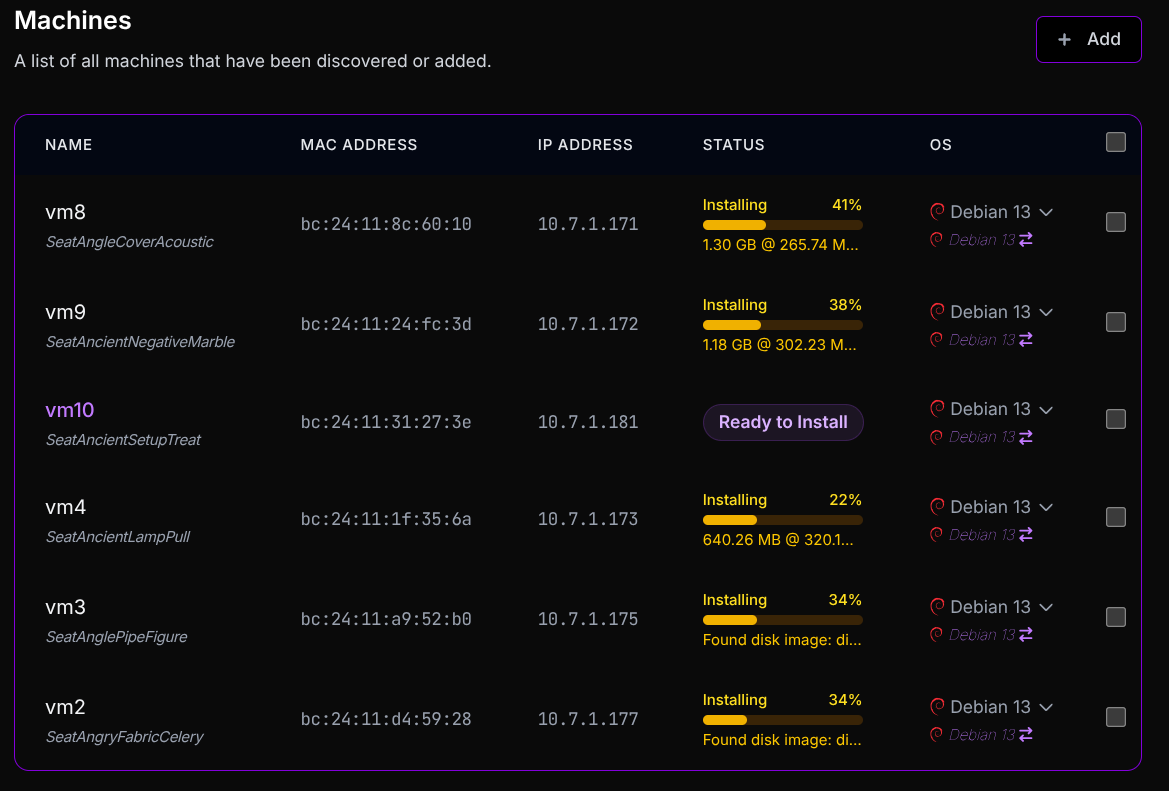
Mage will run on each of the machines to automatically apply the requested operating system to the disk.
You can also deploy operating systems to a single machine by following the same steps but only selecting one machine.